

Beta. This feature is being rolled out gradually, so it may not be turned on for your workspace yet, and details may change. To request access, ask your Parker admin or contact support.
Which channels can I use?
What’s the same as the web app?
Parker keeps the same workspace permissions and approval flow it uses everywhere else. In Teams, it follows your workspace rules and asks for approval when an action needs it.How do I link my phone?
Go to Settings > Channels. Use the Link your phone card for Messages or WhatsApp. See each channel’s page for the steps.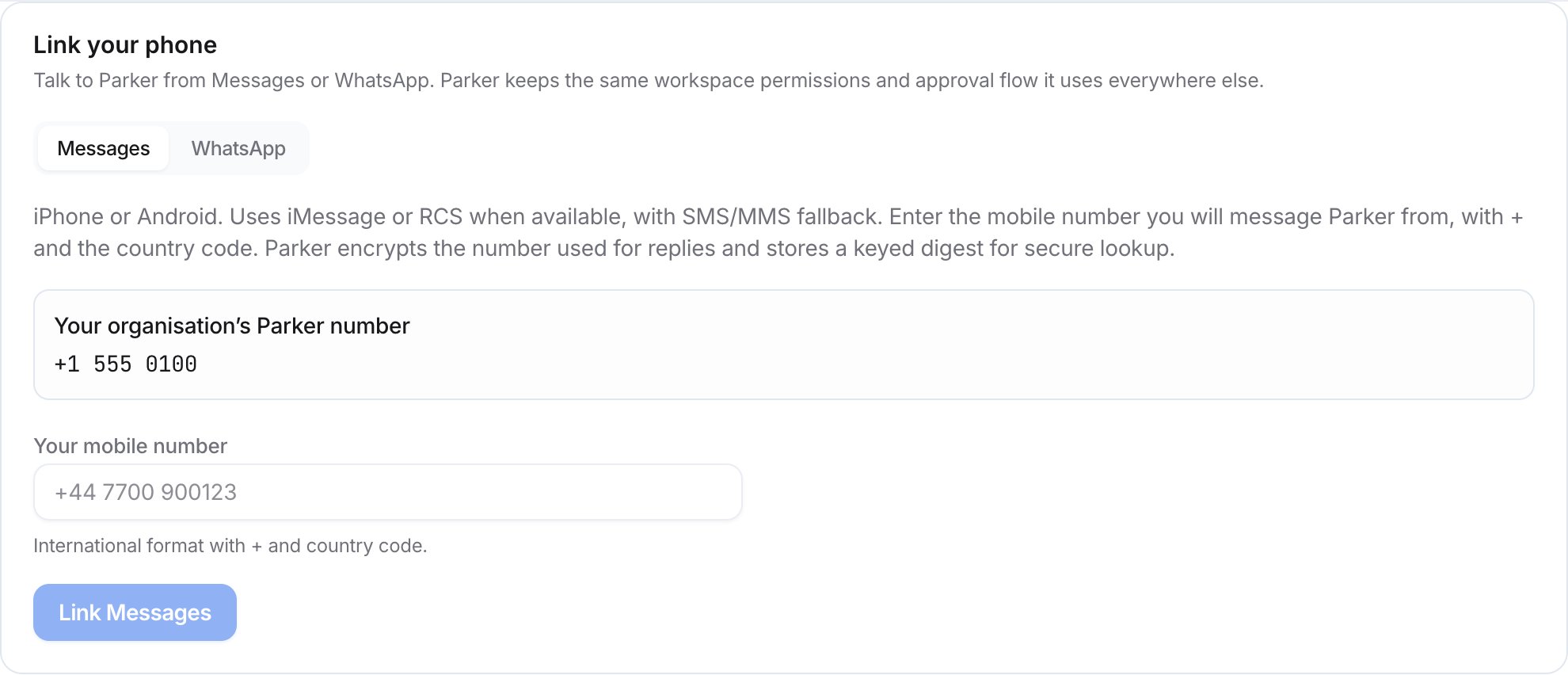
The Link your phone card in Settings > Channels.
Related
Messages (iMessage, RCS, and SMS)
Text Parker from your phone’s messaging app.
Message Parker on WhatsApp.
Microsoft Teams
Chat with Parker in Teams.
Channels (admin)
How admins turn on channels for the workspace.