

Beta. This feature is being rolled out gradually, so it may not be turned on for your workspace yet, and details may change. To request access, ask your Parker admin or contact support.
Before you begin
Have your phone with you, and know its number with the country code.Link your phone
1
Open Channels
Go to Settings > Channels and find the Link your phone card.
2
Choose Messages
Select Messages. The card shows Your organisation’s Parker number. This is the number you’ll text.
3
Enter your number
In Your mobile number, enter the number you’ll text from. Use international format with + and the country code, for example +44 7700 900123.
4
Link
Select Link Messages, then follow the steps on screen to finish linking from your phone.
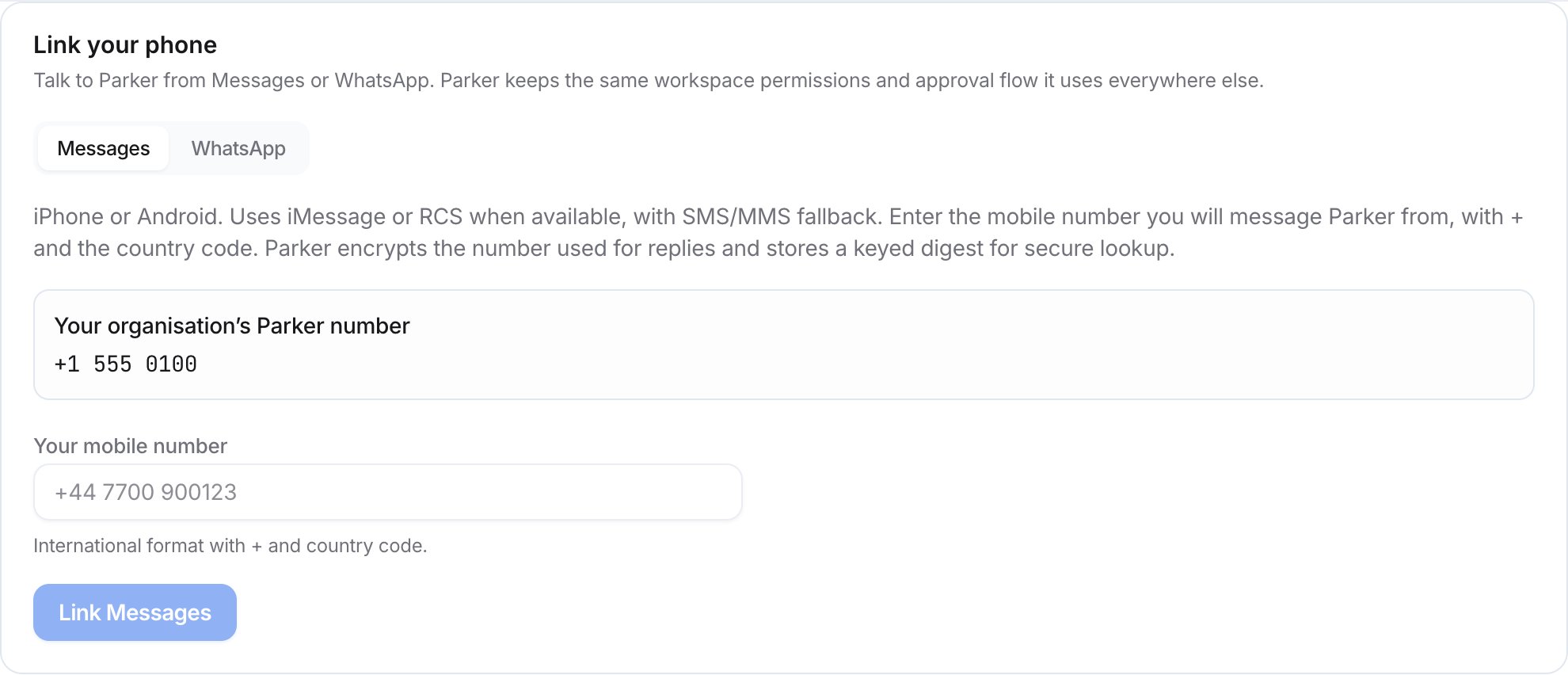
Enter the mobile number you'll text Parker from.
Related
Use Parker from your phone
How channels work.
Message Parker on WhatsApp instead.
Your settings
Notifications and other personal settings.