

Beta. This feature is being rolled out gradually, so it may not be turned on for your workspace yet, and details may change. To request access, ask your Parker admin or contact support.
What do admins set up, and what does each person do?
Connect Microsoft Teams
Admins only. Only workspace admins can change these settings. If you’re not an admin, you can still see them, but you can’t edit them.
Before you begin
- You need the admin role in Parker.
- You need access to your Microsoft Entra admin center and Teams admin center, or someone on your IT team who has it.
1
Find your tenant ID
In the Microsoft Entra admin center, go to Overview and copy your tenant ID.
2
Connect the tenant in Parker
Go to Settings > Channels. In the Teams tenant card, paste the ID into Microsoft 365 tenant ID and select Connect tenant.
3
Install the app
Connecting only tells Parker which tenant to answer. Install the Parker app from your Teams admin center.
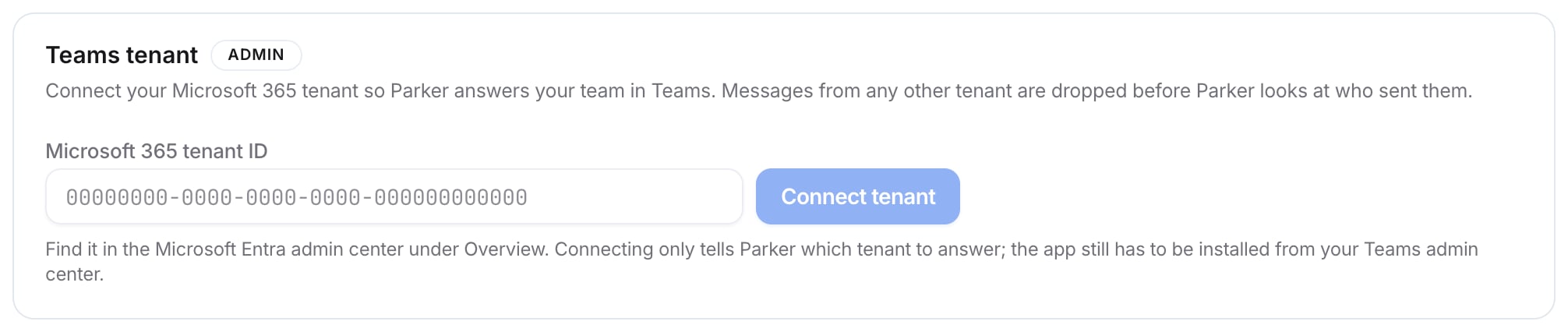
The Teams tenant card
How do Messages and WhatsApp work?
Your workspace has its own Parker number. Each person links their own mobile number under Settings > Channels > Link your phone:- Select Messages or WhatsApp.
- Enter your mobile number in international format, with + and the country code.
- Select Link Messages or Link WhatsApp.
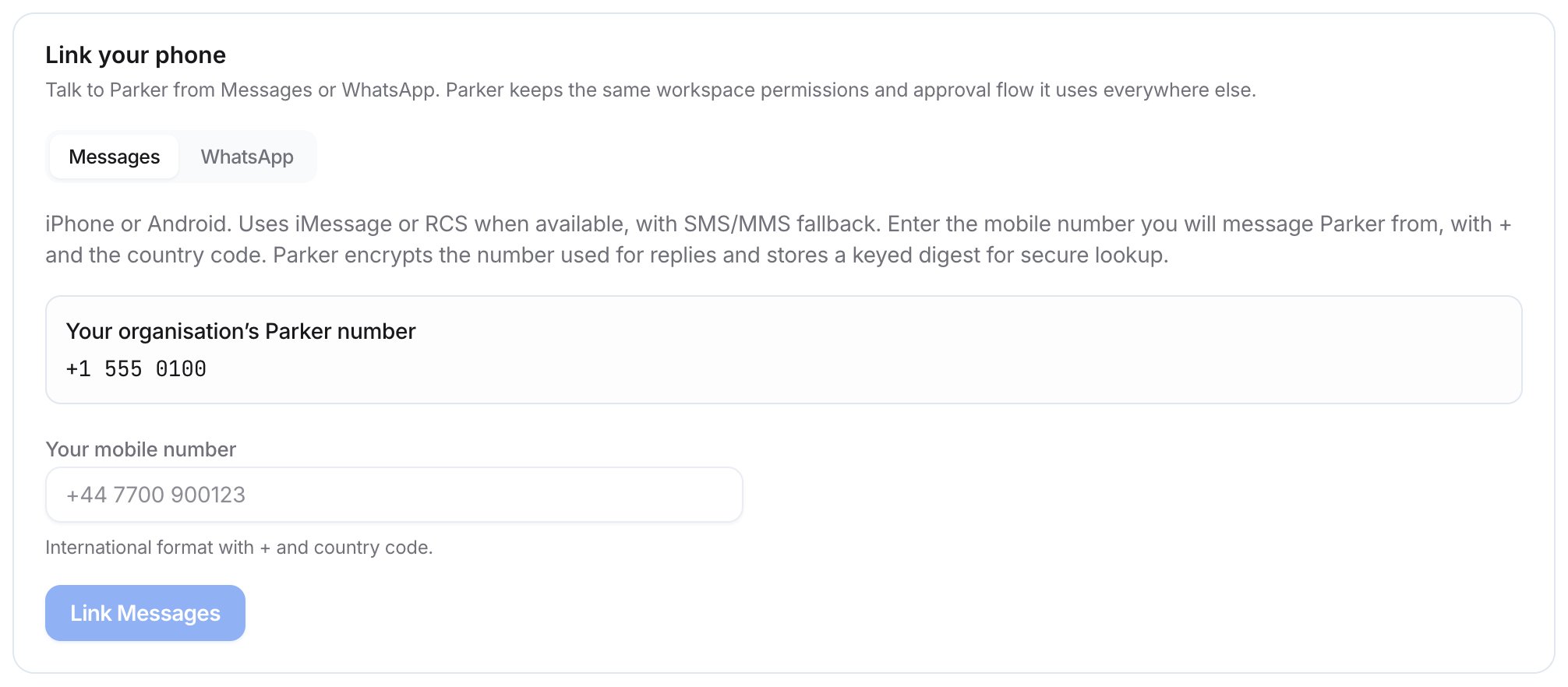
Link your phone
Related
Parker on your phone
What your team can do from their phone.
Teams
Using Parker in Teams.
Connections and apps
Everything else Parker connects to.