

Admins only. Only workspace admins can change these settings. If you’re not an admin, you can still see them, but you can’t edit them.
What does each switch do?
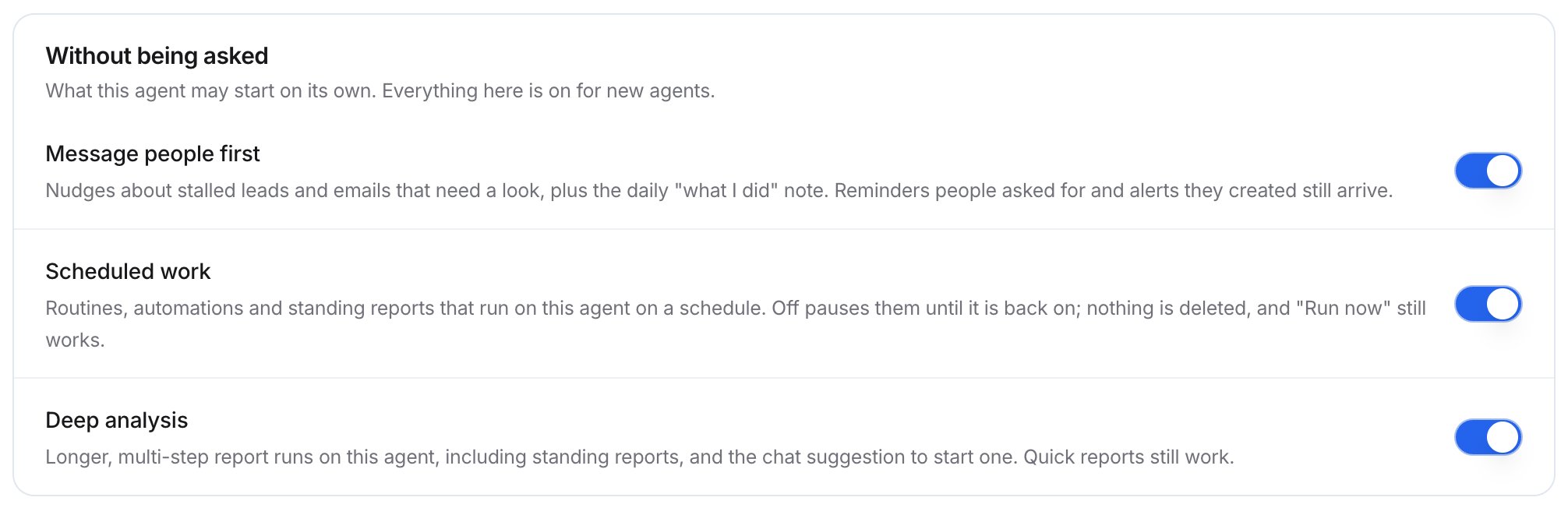
The Without being asked group
Turn a switch on or off
1
Open the Proactive tab
Go to Settings > Agent, then select Proactive.
2
Flip the switch
In the Without being asked group, turn Message people first, Scheduled work, or Deep analysis on or off.
When would I turn these off?
- Scheduled work: during a Salesforce migration or an incident, to pause every routine and automation at once without deleting anything.
- Message people first: if your team finds the nudges noisy.
- Deep analysis: if you want reports kept short across the workspace.
Troubleshooting
Routines stopped running
Routines stopped running
Check whether Scheduled work is off. Turn it back on.
Related
Routines
Scheduled prompts with results by email.
Automations
Work that runs when something happens.
Automations admin
Monitor automations across the workspace.
Reports and documents
Quick and deep reports in chat.