

How do I create a classification?
Classifications start in chat. Describe the records and the categories in plain language, then confirm the proposal card Parker shows.Label cases by type
Where do I manage classifications?
Classifications appear in Settings > Classifications once they exist. The page manages their coverage, schedules, budget, and corrections. Until your workspace has a classification, Classifications isn’t in the Settings menu. If you open the page anyway, it says No classifications yet, with an Open chat button.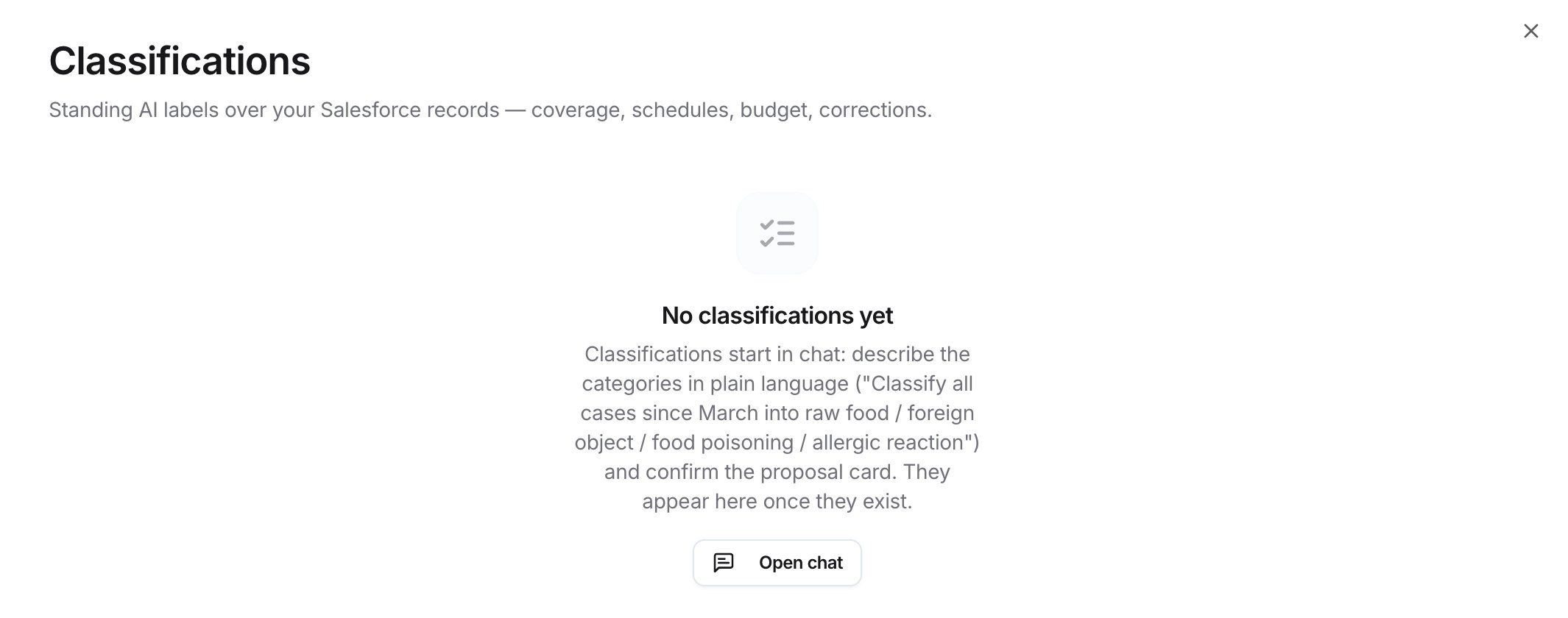
Classifications before any exist
Related
Connect Salesforce
Classifications read your Salesforce records.
Ask about Salesforce data
What you can ask in chat.