

Beta. This feature is being rolled out gradually, so it may not be turned on for your workspace yet, and details may change. To request access, ask your Parker admin or contact support.
Admins only. Only workspace admins can change these settings. If you’re not an admin, you can still see them, but you can’t edit them.
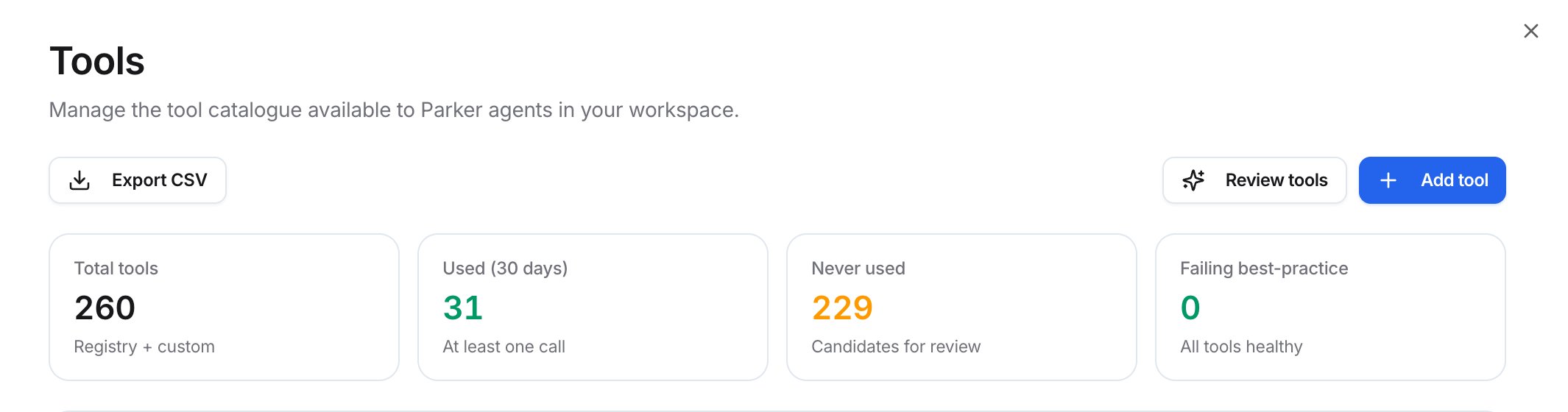
The Tools page — example figures
What’s on the page?
Four tiles sit across the page: Total tools, Used (30 days), Never used, and Failing best-practice. Below them, the Tool catalogue lists every tool, by its technical name, with its 30-day calls, success rate, and an Enabled switch. Use Search… and the filters to narrow the list.How do I turn a tool off?
Find the tool in the Tool catalogue, then turn off its switch. To turn it back on, turn the switch on again.How do I export the catalogue?
Select Export CSV to download the catalogue with its usage figures.Related
Connections and apps
Connect the systems Parker works in.
Autonomy
Choose how much Parker does on its own.
What Parker can do
See Parker’s capabilities.