

Admins only. Only workspace admins can change these settings. If you’re not an admin, you can still see them, but you can’t edit them.
What’s on this page?
Every rule from your regulations, and your own rules, is in Rules. How strictly they’re enforced is set in Oversight.
How do I add a regulation?
You can add a policy or guideline as a document or as a website. Parker proposes rules from it, and you approve each one before anything applies.1
Start adding
Go to Settings > Compliance. In Regulations, select Add regulation.
2
Choose the source
Select Upload document to add a file, or Add website to add a site.
3
Review the proposed rules
Approve or reject each rule Parker proposes. Until then, nothing applies.
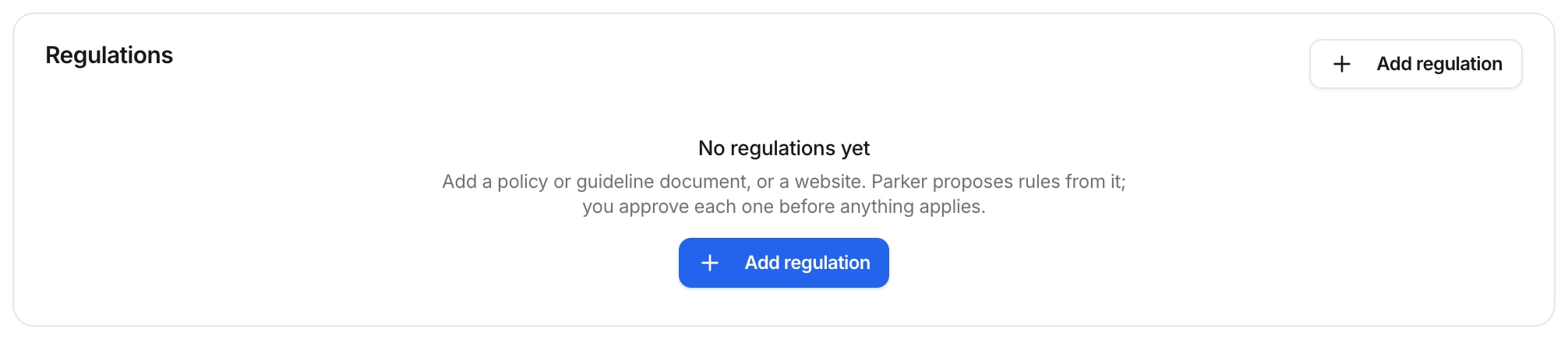
Regulations, before any are added
Which agents does a regulation cover?
Coverage shows which agents each regulation governs. It’s generated from what actually runs: attached agents, plus every agent when a source is set to apply org-wide. A source that governs nobody says so. Until you add a regulation, Coverage says No regulations to map yet.Which safety checks run?
Safety checks lists Parker’s built-in guardrails. Your Parker operator manages them, so you can see them here but not change them. Each check shows Active or Off.
To change a safety check, contact your Parker operator.
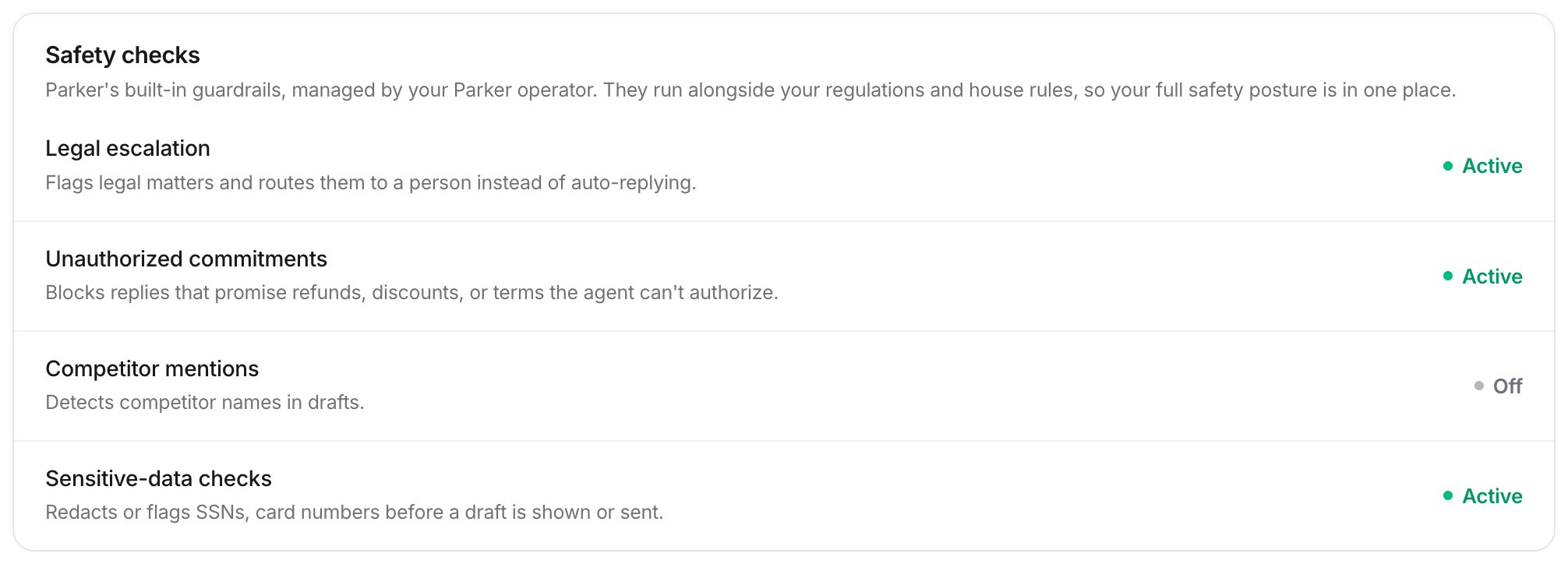
Safety checks — your workspace's statuses may differ
How do I set a subject-line policy?
The Subject-line policy lists approved subject lines and banned terms for outbound email. It’s checked before any AI judgment.1
Choose a mode
In Subject-line policy, set Mode to Observing or Off.
2
Add approved subject lines
In Approved subject lines, enter one subject line per line. An empty list means no constraint.
3
Add banned terms
In Banned terms, enter one word or phrase per line.
4
Save
Select Save.
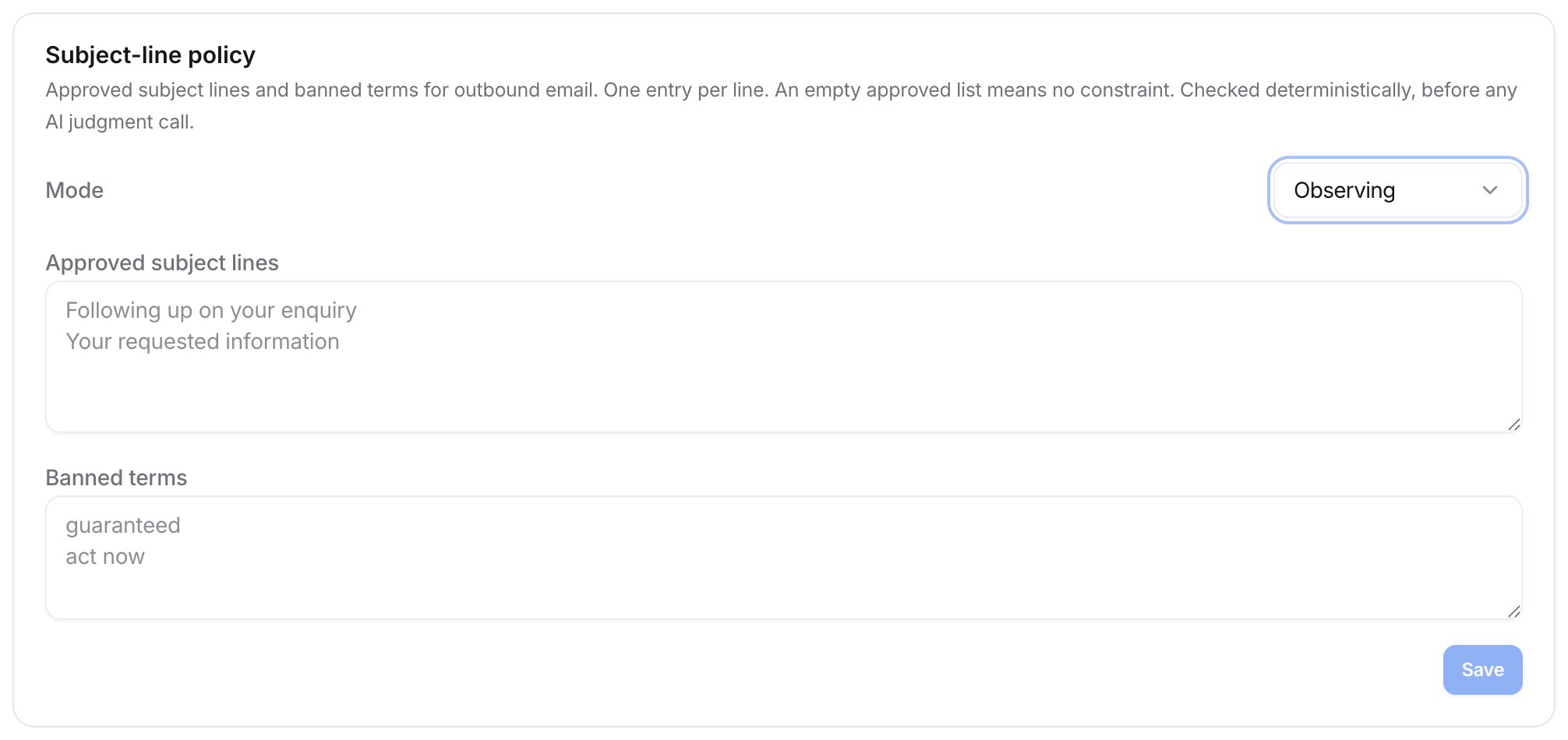
The Subject-line policy card
What does Compliance evidence show?
Compliance evidence is the append-only record behind attestation. It’s read-only for everyone. It shows:- Evaluated: how many replies and drafts were checked against your rules.
- Violations: how many were flagged.
- Overrides: how many decisions a person overturned.
- Recent checks: the latest rule checks, each marked Pass, Violation, or Unclear.
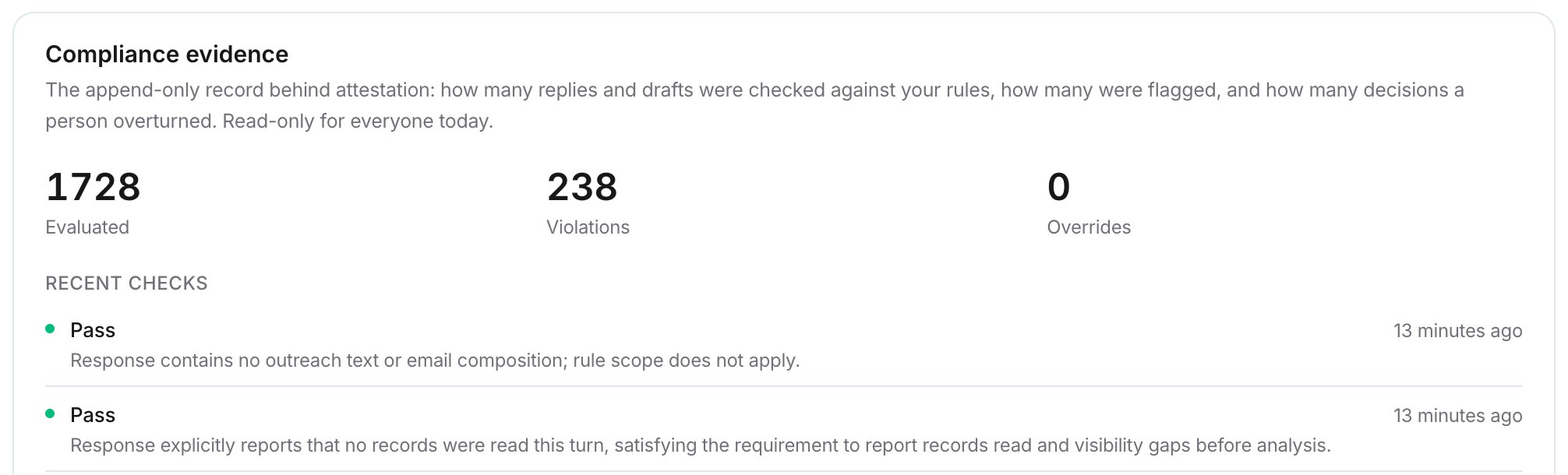
Compliance evidence — example, your results will differ
Related
Oversight
Set enforcement, presets, and reviewers.
Rules
See every rule Parker follows.
Knowledge
Manage documents and websites.
Permissions
What admins and members can do.