

Set Parker’s identity
1
Open the Instructions tab
Go to Settings > Agent, then select Instructions.
2
Edit the identity
In the Identity group, select Edit.
3
Fill in the fields
- Name: what Parker is called, for example “Northwind Assistant”.
- Role: its job title, for example “Sales assistant”.
- Agent email: where email for Parker is routed.
- Brand: drafts take this brand’s voice and use its documents. Leave it as No brand in a workspace with one brand. Brands come from Branding.
4
Save
Select Save, or Discard to drop your changes.
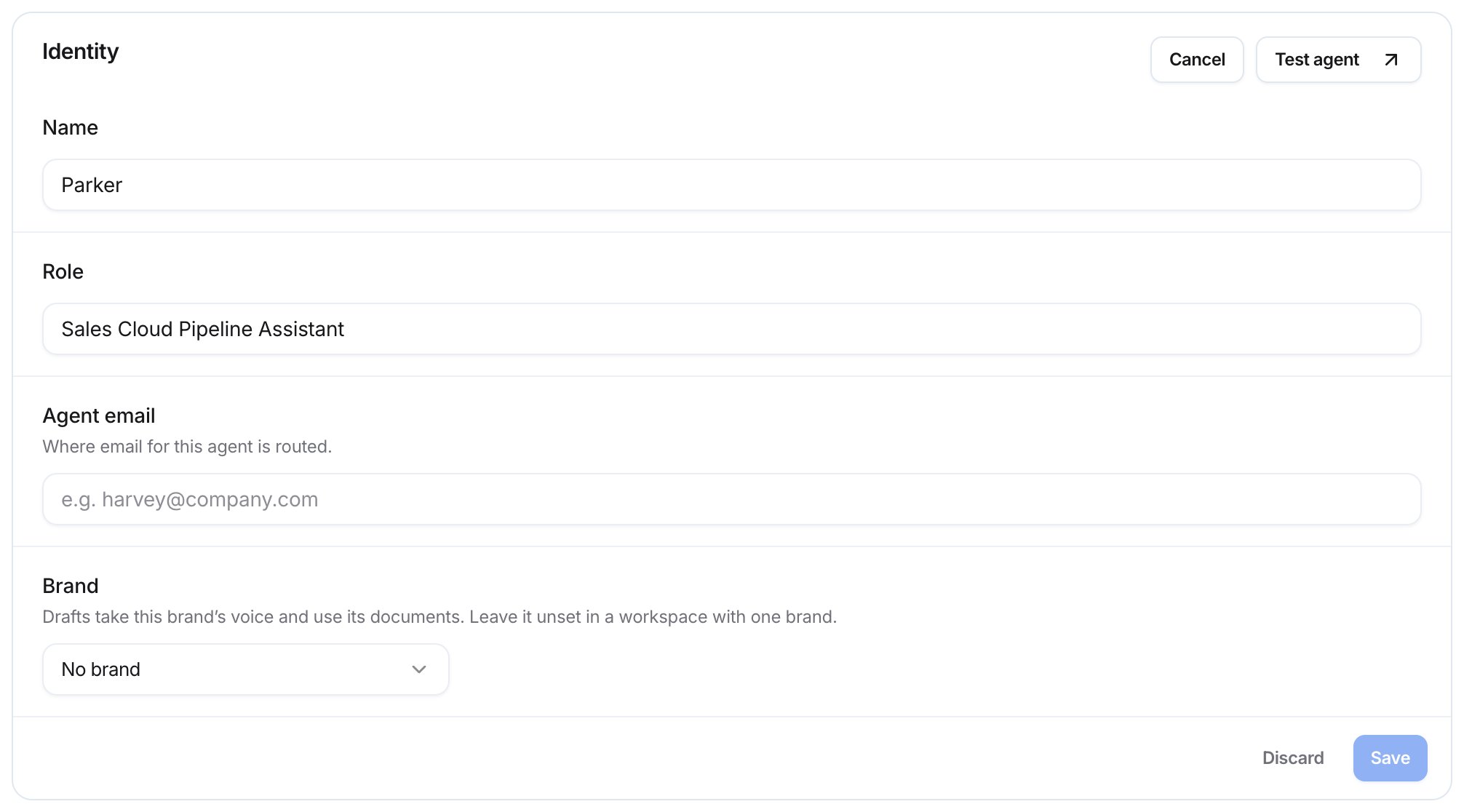
Editing the Identity group
Describe what Parker does
The What it does field describes how Parker approaches its job. Customers never see it.- In the Instructions group, write in What it does how Parker should approach its job. Write it as you’d brief a new teammate.
- Optionally, select Tidy with AI to have Parker suggest a clearer version.
What makes good instructions?
- Say who your customers are and what you sell. “We sell commercial cleaning supplies to facilities managers in the Midwest.”
- Say what a good outcome is. “A good reply moves the buyer to a site visit or a quote.”
- Say how fast and how much. “Reply within one business day. Keep emails to three short paragraphs.”
- Put hard limits in rules, not here. Instructions guide Parker. Rules are checked on every reply.
You support the Northwind Supply sales team. Help reps prepare for calls, follow up on quotes, and keep Salesforce up to date. Keep emails short and practical. Always offer a next step, such as a call or a sample order.
What’s the Charter?
Charter is an optional, structured way to describe the job: Mission, Audience, Success looks like, and Approach and limits. These fields are moving into the instructions, so write new guidance in What it does. To view the charter, select Edit on the Charter group.Choose Parker’s voice
The Voice group sets how Parker’s emails sound. Its description shows the exact line it adds to Parker’s instructions, starting “Adds to the instructions”.- Tone: Friendly, Balanced, or Professional. This sets how formal emails sound.
- Follow-up timing: Light, Standard, or Persistent. The text under it shows the cadence, for example “Every 3 days, up to 3 reminders.”
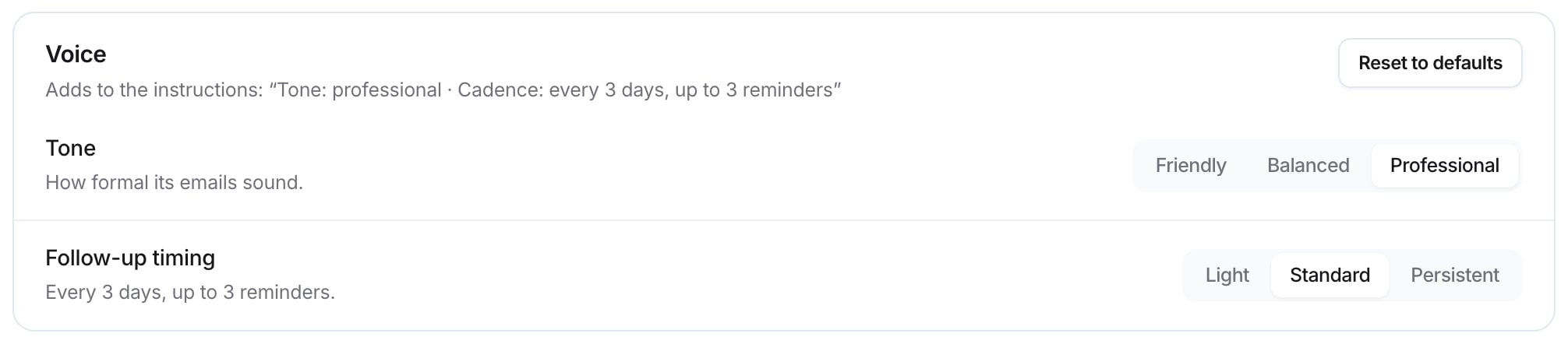
The Voice group
Check it worked
Ask Parker to draft something and see whether it follows your instructions.Shows Parker's tone and instructions in a draft
Asks Parker to describe its own job
Related
Set house rules
Limits Parker must always follow.
Set Parker's autonomy
When Parker may send on its own.
Branding
Your brand kit.
Writing style
How Parker writes as each person.